










































If you are involved in the fast-paced realm of software development or project management, chances are you have come across Kanban – a highly effective methodology that assists teams in optimizing their workflow and enhancing task management. Jira Software, an acclaimed tool crafted by Atlassian, offers a comprehensive suite of features tailored towards agile project management. In this article, we will navigate the realm of Kanban boards within Jira Software, providing insights on how to create and employ them proficiently to streamline your projects.

Agile methodologies, such as Scrum and Kanban, have revolutionized project management for teams. In the realm of software development, where flexibility, teamwork, and constant improvement are crucial, Kanban boards provide a dynamic approach to handling work in progress (WIP). By visually representing your team’s workflow, these boards allow you to track task statuses, pinpoint obstacles, and refine processes for optimal efficiency.
With the addition of Kanban methodology to Jira Software, you can enhance your project management capabilities and streamline operations. This article provides a comprehensive guide to using Kanban boards in Jira Software. From creating your initial board to utilizing advanced features for optimizing your agile workflow, we’ll cover all the essentials.
How to create a Kanban board (step-by-step)
To create a Kanban board in Jira, choose a Kanban project or board, configure columns to match your workflow, set WIP limits, and continuously optimize using Jira reports and automation. This guide walks you through each step with real examples.
1. Understanding Kanban and Agile Methodologies

To provide a better understanding of Kanban boards in Jira Software, it’s important to first grasp the underlying principles. Agile methodologies, such as Scrum and Kanban, aim to enhance project management by promoting adaptability, collaboration, and responsiveness to change. Specifically, Kanban emphasizes efficiency optimization and waste reduction by visualizing work progress and limiting concurrent tasks.
2. Getting Started with Kanban Boards in Jira Software
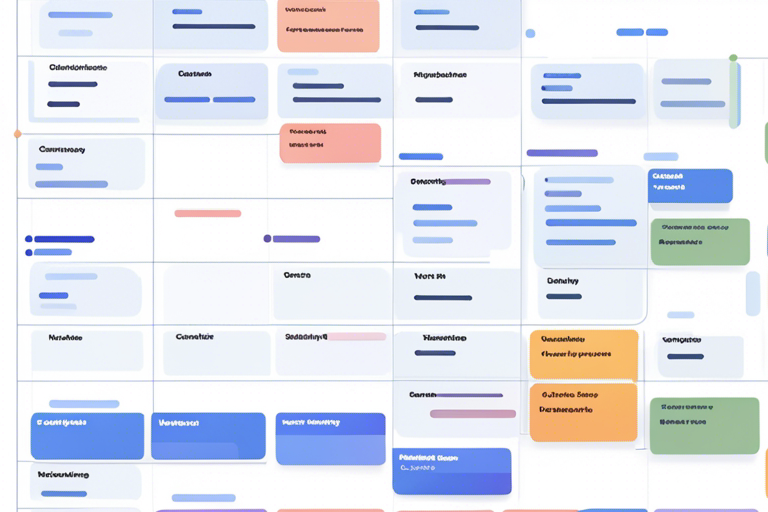
- Creating Your First Kanban Board in Jira Software
To begin using Kanban boards in Jira Software, the first step is to create a board that reflects your team’s specific workflow. You have the option to select from multiple templates or customize a board to meet your unique requirements. Once your board is established, you can start adding tasks, which are referred to as “Kanban cards,” and arrange them within columns that represent the various stages of your workflow.
3. Key Elements of a Kanban Board
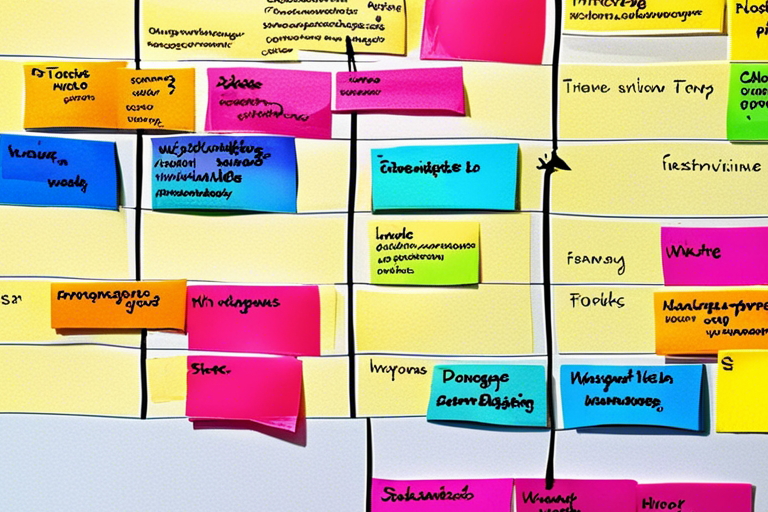
- Understanding Workflow Columns and Their Significance
- Utilizing Work in Progress (WIP) Limits for Optimal Efficiency
A Kanban board is a tool that represents the different stages of your project’s workflow using columns. It helps you see where each task is in the process, making it easier to identify areas for improvement and bottlenecks. Setting Work in Progress (WIP) limits is important to prevent overwhelming your team and ensure a smooth flow of work.
4. Optimizing Your Kanban Workflow
- Implementing the Kanban Methodology for Continuous Improvement
- Leveraging Jira Automation to Streamline Processes
The Kanban methodology promotes ongoing improvement by regularly analyzing your workflow and making small changes to increase efficiency. With Jira Software, you can automate repetitive tasks and reduce manual work, allowing your team to concentrate on more valuable activities.
5. Comparing Kanban and Other Agile Methodologies
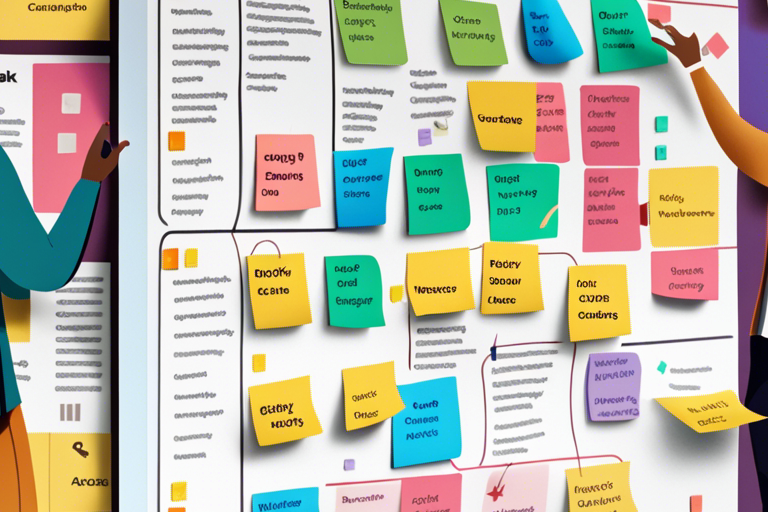
- Agile and DevOps: Integrating Strategies for Enhanced Collaboration
Although Kanban and Scrum share common agile principles, they have unique methods for task and team management. It’s important to understand these differences to choose the methodology that best aligns with your team’s goals and preferences. Moreover, integrating DevOps practices into your agile workflow can foster even greater collaboration and expedite delivery.
6. Unlocking the Benefits of Kanban Boards
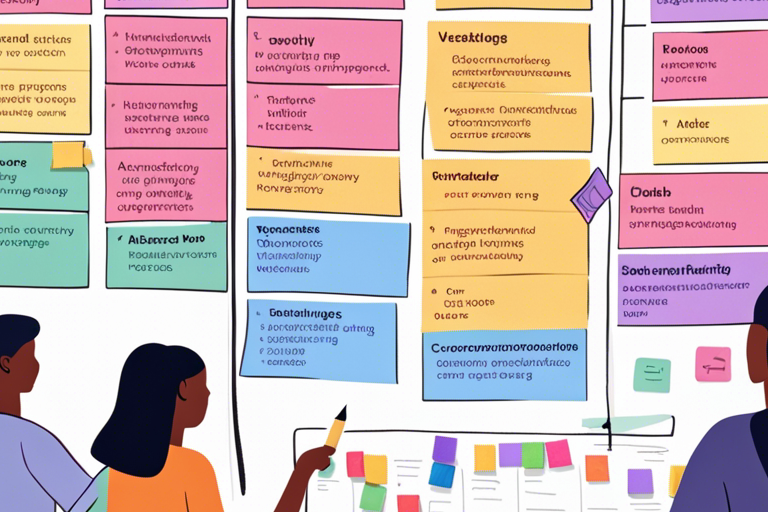
- Agile Project Management Made Easy with Kanban
- Enhancing Collaboration and Communication Among Team Members
Using Kanban boards offers numerous benefits to agile teams. These boards not only improve visibility and transparency but also reduce lead times and foster better collaboration. By visually representing your work and streamlining processes, you can effectively deliver high-quality products and services in a more efficient manner.
7. Extending Jira Software’s Capabilities with Kanban
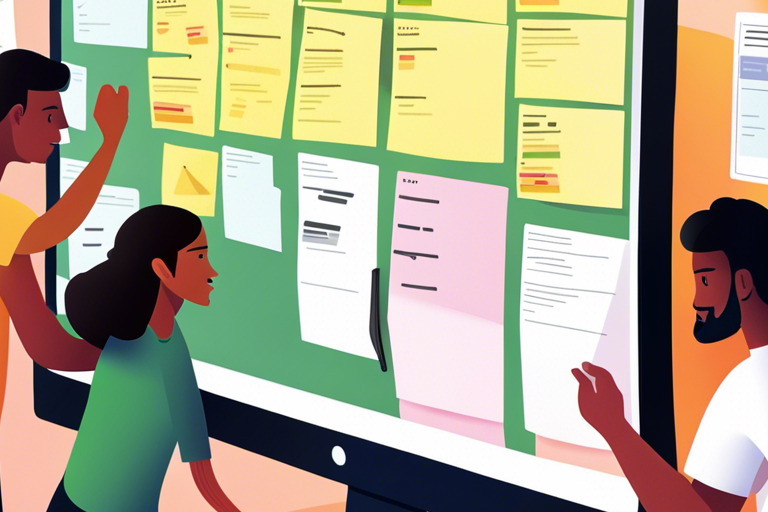
- Integrating Kanban Boards into Your Software Development Projects
- Exploring Advanced Features for Customization and Reporting
By integrating Jira Software with Kanban boards, you can customize and create reports according to your team’s specific workflow. This allows for effective organization and analysis of tasks by utilizing features such as swimlanes, filters, and quick filters. Moreover, Jira’s reporting tools provide valuable insights into your team’s performance, enabling informed decision-making.
Common Mistakes When Creating Kanban Boards in Jira
Even experienced teams struggle with Kanban in Jira — not because the tool is complex, but because it’s easy to misuse. These are the most common mistakes we see in real projects.
Too many columns
Teams often create a column for every possible state. This makes the board cluttered and hard to read. A good Kanban board reflects flow, not every micro-step. Fewer, well-defined columns improve visibility and decision-making.
No WIP limits
Without Work-In-Progress limits, Kanban loses its purpose. Tasks pile up, work gets blocked, and delivery slows down. WIP limits help teams focus, finish faster, and surface bottlenecks early.
Treating Kanban like Scrum
Kanban is not Scrum without sprints. Forcing sprint-like planning, fixed commitments, or story point pressure breaks the flow-based nature of Kanban. Kanban works best when teams pull work based on capacity, not deadlines.
Ignoring cycle time and flow metrics
Many teams use Jira boards but never look at cycle time, throughput, or aging work items. Without these metrics, you’re managing tasks — not improving delivery. Kanban is about continuous improvement, and metrics are the feedback loop.
Who is this guide for?
This guide is for:
- Scrum Masters and Agile Coaches
- Project Managers using Jira
- Software teams transitioning to Kanban
- Enterprises optimizing flow and delivery
In Conclusion
Becoming proficient in utilizing Kanban boards in Jira Software is an invaluable skill for any agile team to possess. By constructing a well-designed Kanban board, you can visualize the flow of tasks, effectively manage them, and consistently enhance your project processes. Whether you’re a novice when it comes to agile methodologies or aiming to bolster your project management abilities, integrating Kanban boards into your workflow can yield substantial advantages.
Remember these key takeaways
- Kanban is an agile methodology that focuses on visualizing work, setting limits on work in progress (WIP), and continuously improving.
- Atlassian’s Jira Software provides powerful tools for agile project management, including the ability to create Kanban boards.
- Kanban boards are useful tools that visually represent your team’s workflow. They help you identify bottlenecks and optimize processes for better efficiency.
- Implementing WIP (Work-In-Progress) limits can be highly beneficial in maintaining a consistent workflow and preventing your team from becoming overwhelmed by too
Jira Automation is a valuable tool that can help streamline tasks, allowing you to focus more time on high-value activities. - When deciding which agile methodology to use, it’s important to distinguish between Kanban and other methods like Scrum.
- Kanban boards provide several benefits, including improved collaboration and faster delivery of products and services.
- Customizing Kanban boards in Jira Software allows you to personalize them according to your team’s unique workflow. This customization also enables you to utilize advanced reporting features that provide valuable insights and analytics.
Now that you have this understanding, you are ready to effectively utilize Kanban boards in Jira Software to guide your team towards agile success.
Frequently Asked Questions About Kanban in Jira
Jira Kanban vs Scrum board — what’s the difference?
The main difference is how work flows. Scrum boards work in fixed sprints with planned commitments, while Kanban boards focus on continuous flow without time-boxed iterations. Kanban is better suited for teams handling ongoing work, support tasks, or unpredictable demand.
Is Kanban free in Jira?
Yes. Jira offers Kanban boards in its free and paid plans. However, advanced features like automation rules, detailed reports, and higher user limits are available in paid tiers.
Can I convert a Scrum board to a Kanban board in Jira?
Yes. Jira allows you to convert an existing Scrum board to Kanban. When you do this, sprint-related features are removed, and your workflow shifts to continuous delivery. Many teams start with Scrum and later move to Kanban as their work becomes more flow-based.
What are Jira Kanban best practices?
Some proven best practices include:
- Keep columns simple and aligned to workflow stages
- Set and enforce WIP limits
- Track cycle time and throughput regularly
- Review and optimize the board continuously
- Use automation sparingly to reduce manual work
When should teams choose Kanban over Scrum in Jira?
Kanban works best when work arrives unpredictably, priorities change often, or teams need faster turnaround times. Scrum is better for product development with clear sprint goals and stable planning cycles.